How to Track Algorithm Winners and Losers with Places Scout
We explore a powerful comparison feature in Places Scout that makes tracking local ranking winners and losers after search updates incredibly easy.
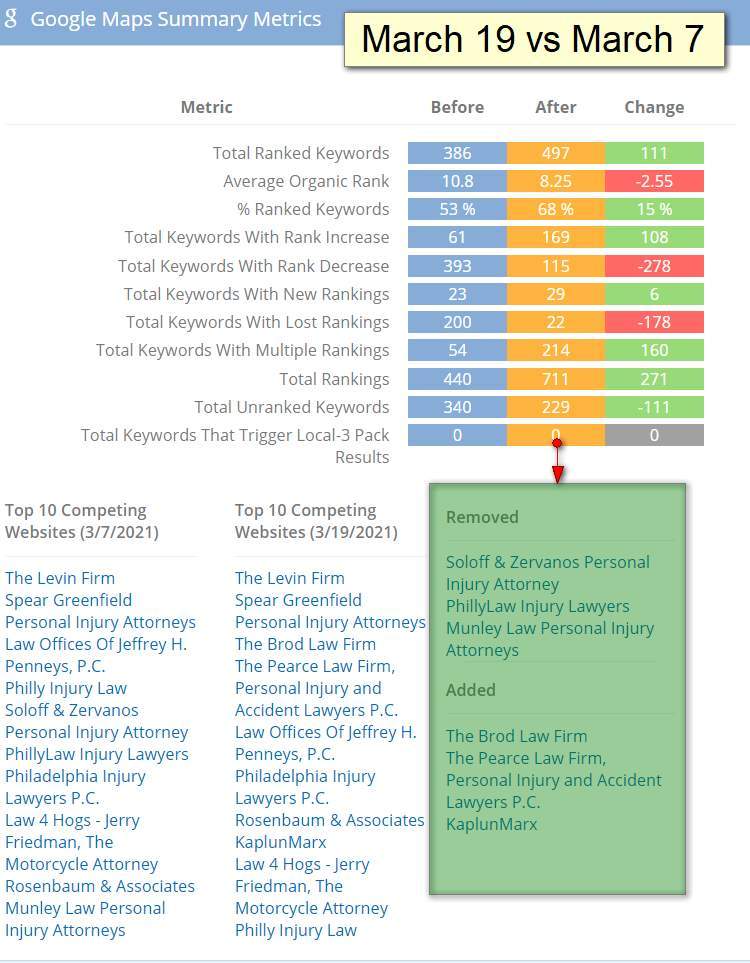
The Places Scout before and after comparison dashboard showing local SEO ranking changes
Discovering a Hidden Comparison Gem
We have always been massive fans of the Local SEO powerhouse tool Places Scout. However, we recently stumbled upon an incredibly helpful feature buried deep within their dashboard tabs.
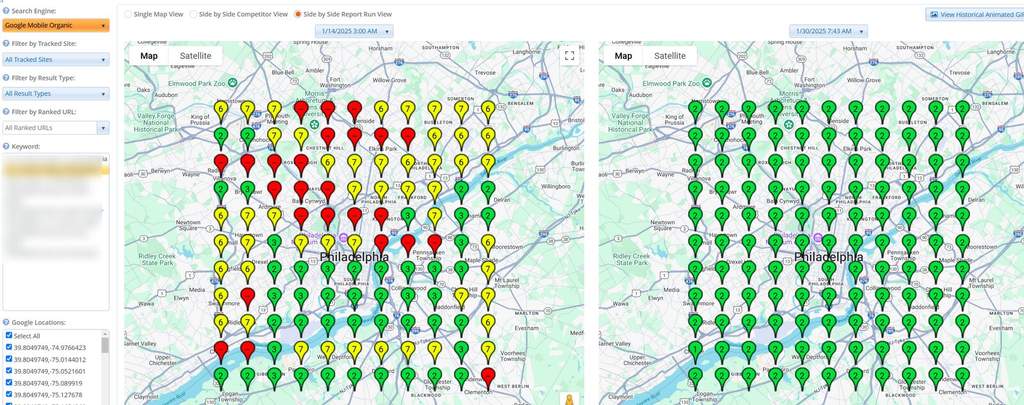
The platform offers a unique before and after comparison tab. We used this specific feature to track sudden ranking shifts on Google after major core Algorithm updates.
It automatically displays the businesses that newly entered the top 10 positions. At the same time, it lists the unlucky companies that dropped completely out of those prime spots.
Catching Sneaky Competitor Tactics
Tracking the winners and losers of a search update is only half the battle. We can also use this specific data comparison to spot sneaky competitor tricks.
Other SEO professionals pointed out that this comparison tab reveals competitors who stuffed keywords into their business names. You can easily spot these changes by comparing current reports to previous ones.
We love this application because it helps you build a strong case when reporting spam. Keeping local search results clean has never been easier for us.
Why We Love This Tool
We truly appreciate tools that pack endless data behind a simple interface. Places Scout keeps proving that it holds a massive wealth of information if you know where to look.
Using this feature saves us hours of tedious manual spreadsheet work. We can easily identify ranking shifts with just a few quick clicks inside the dashboard.
We recommend exploring your favorite SEO Tools regularly to find hidden gems like this one.
Read Also
Related Articles